FREE Express Shipping On Orders $99+
|

Follow our simple step-by-step guide to place your order quickly and securely.
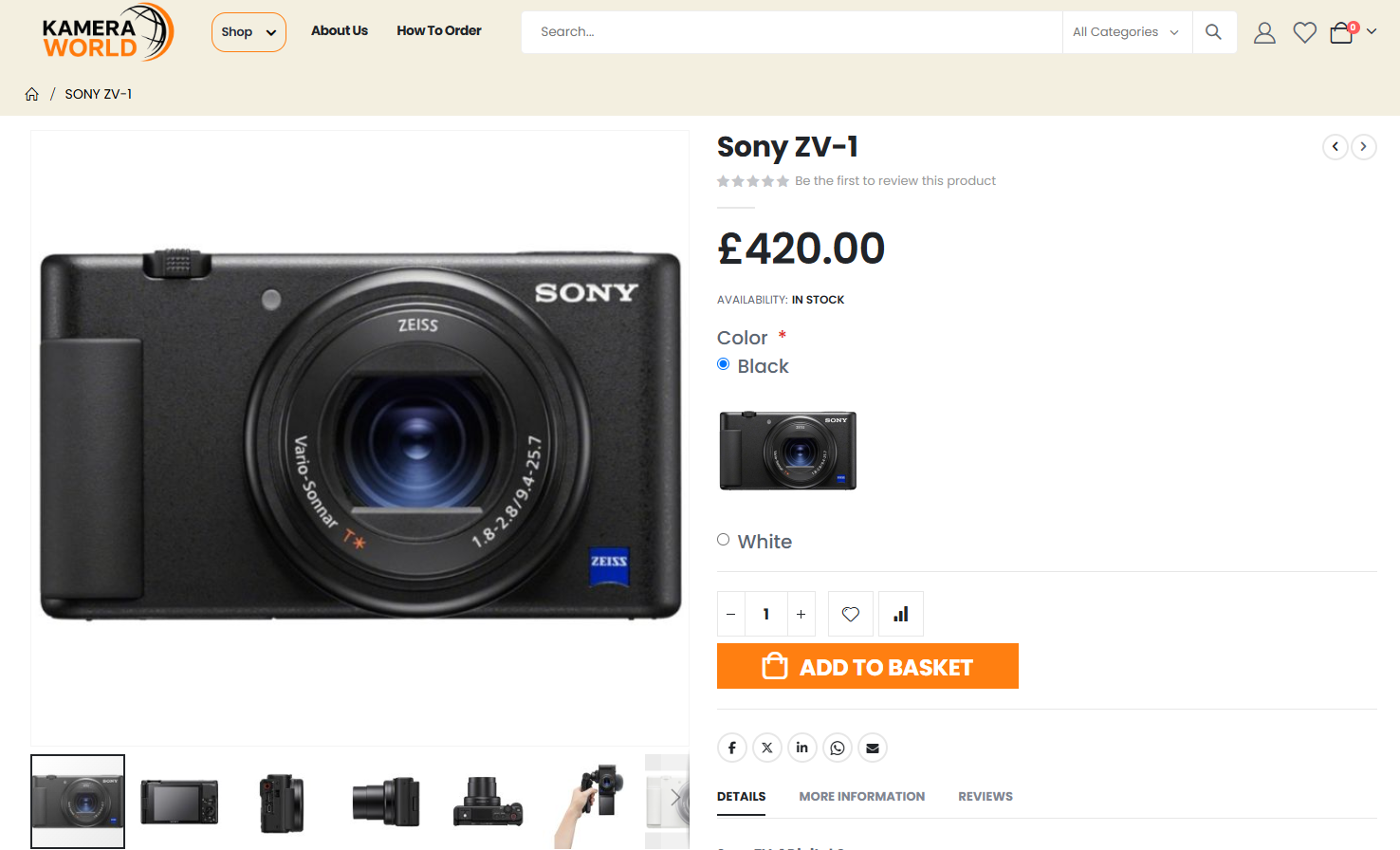
Select your preferred options on the product page, then click “ADD TO BASKET” to add the item to your basket.
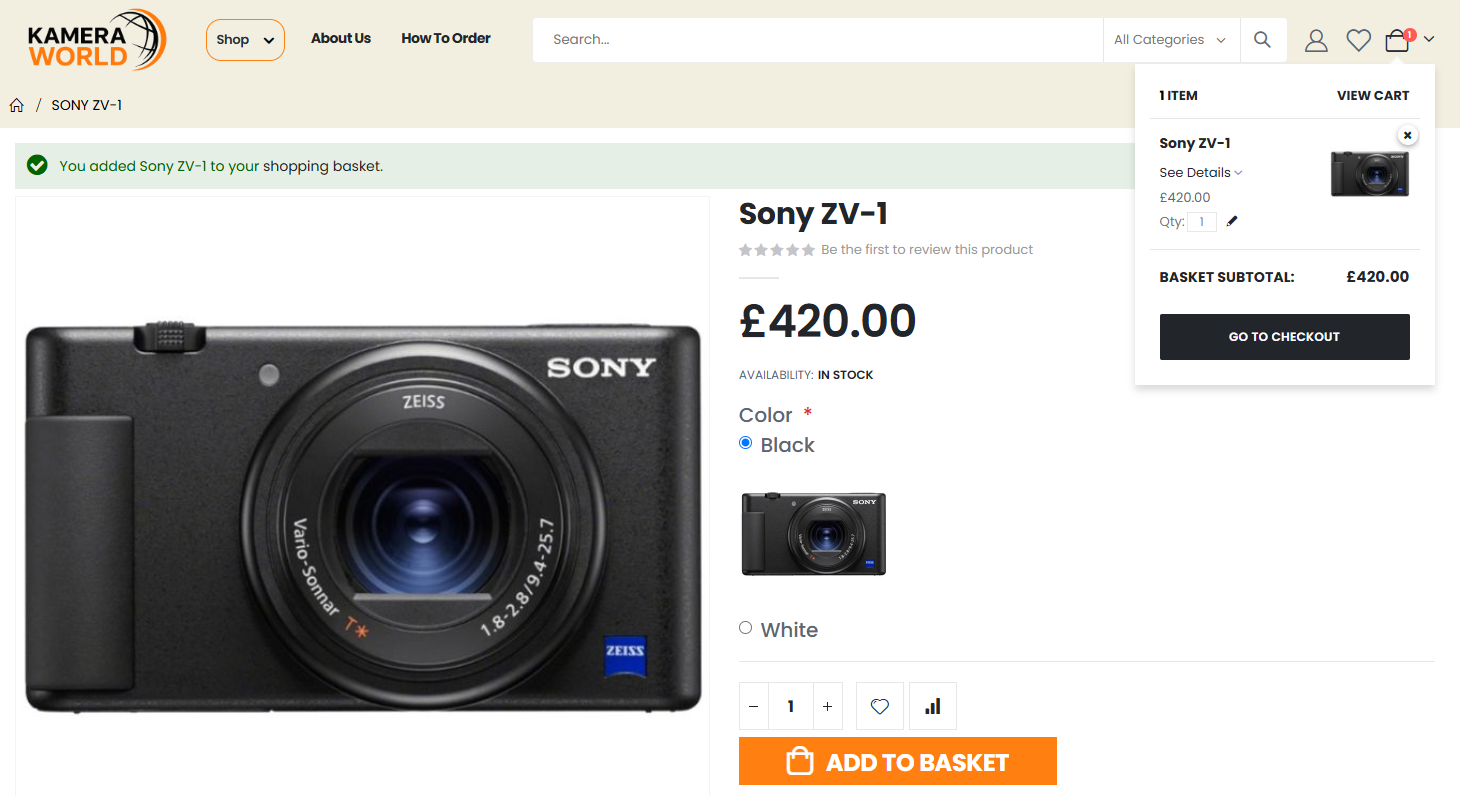
Click the basket icon in the top-right corner, then select “GO TO CHECKOUT” to continue.
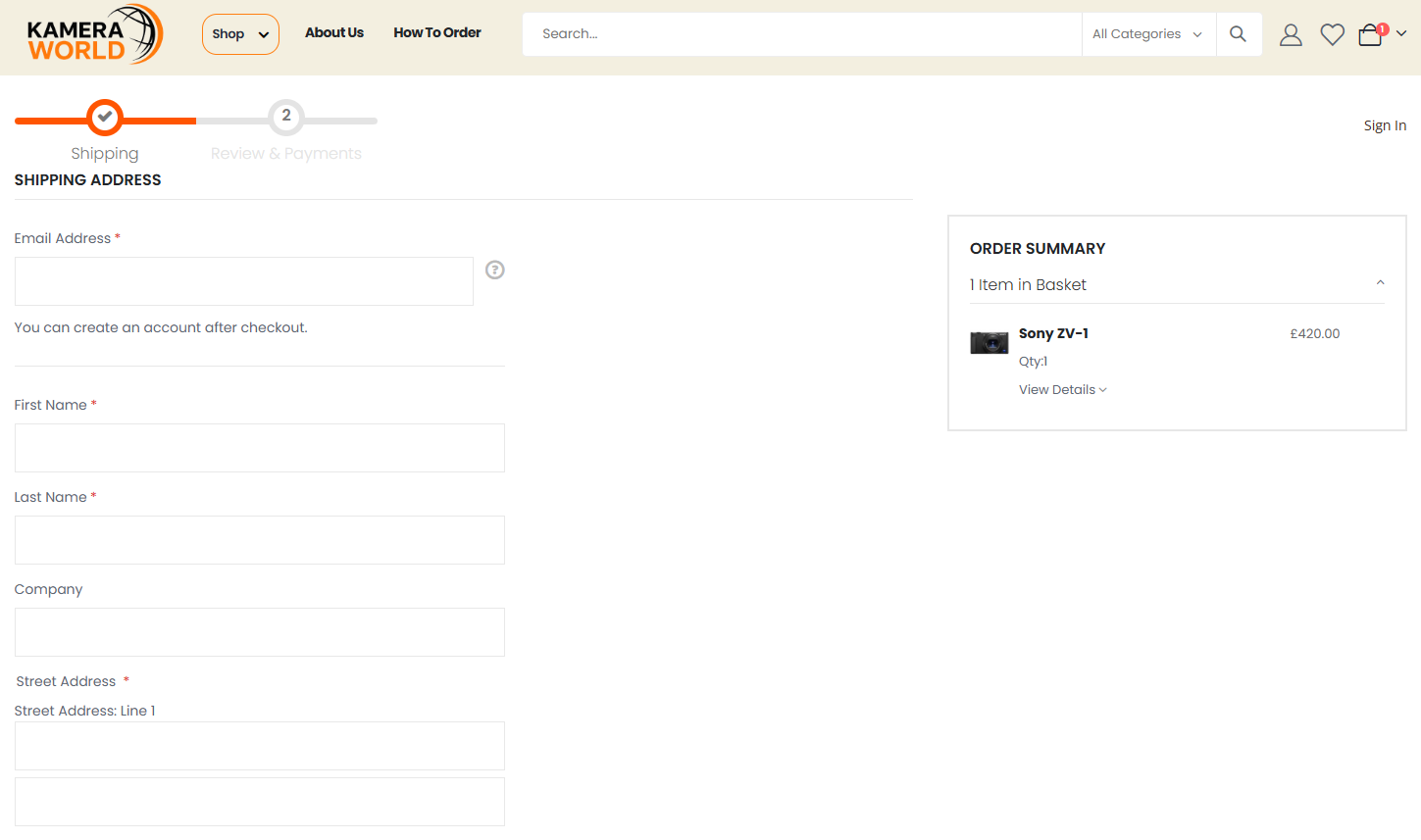
Fill in the required contact and shipping information, then continue to the next step.
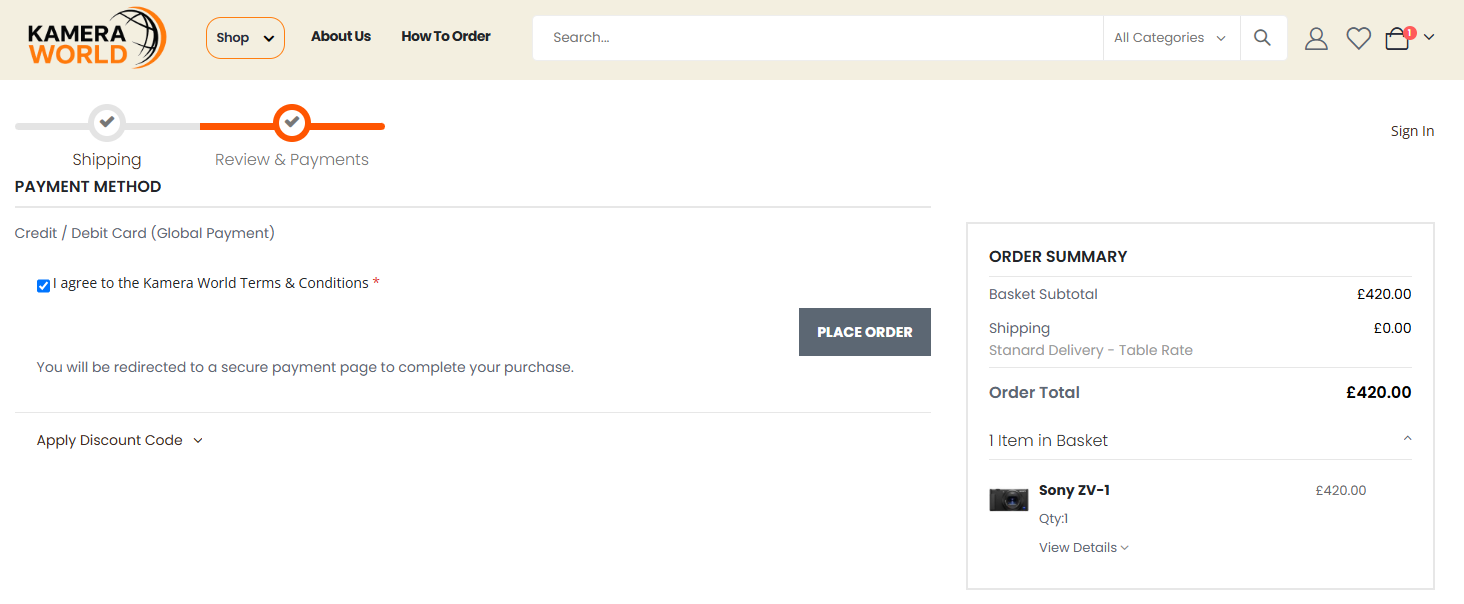
Choose your preferred payment method, agree to the Kamera World Terms & Conditions, then click “PLACE ORDER” to proceed with payment.
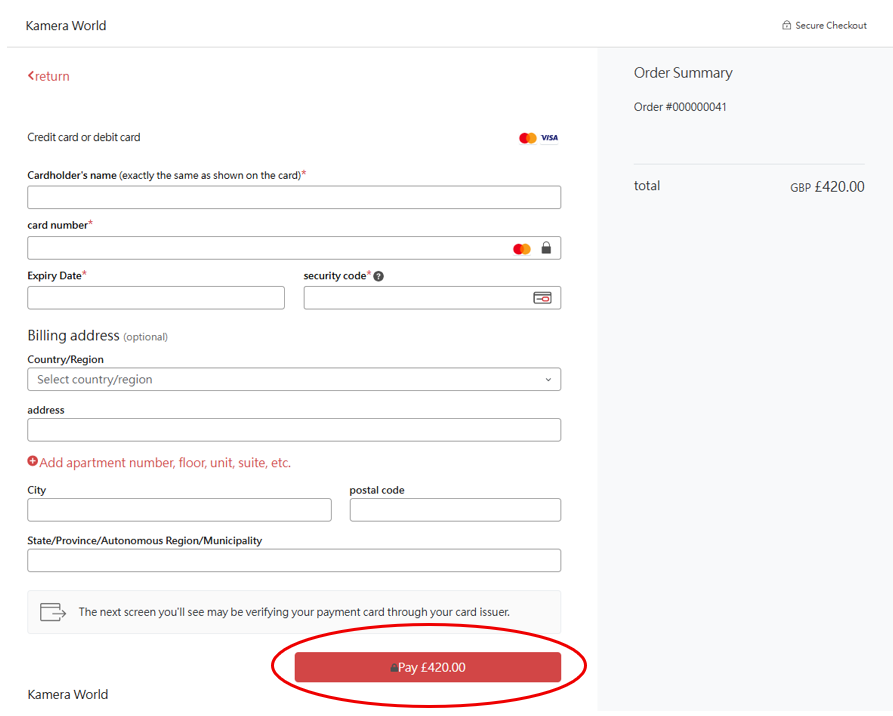
Enter your payment details securely, then click “Pay” to complete your payment. You may be asked to verify the payment with your card issuer.
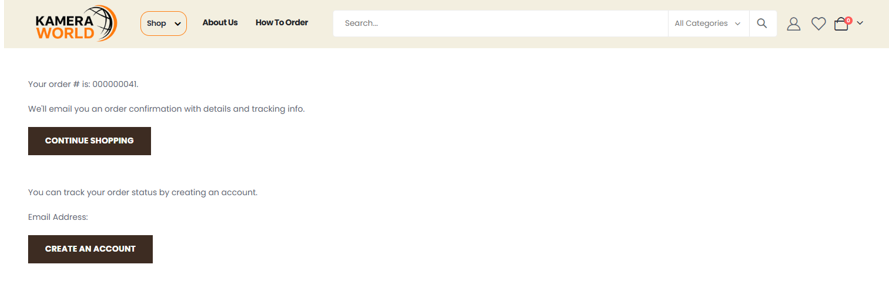
Your order has been successfully placed. You will receive an order confirmation email with your order details and tracking information.